For ULan students
Your timetable, easy to read.
See today's classes and your whole week on your phone. Know where to go and when, in one quick look.
The problem
Is your timetable hard to read?
The uni timetable page was made for big screens. On a phone, it's tiny. You zoom in, scroll side to side, and still aren't sure where to go.
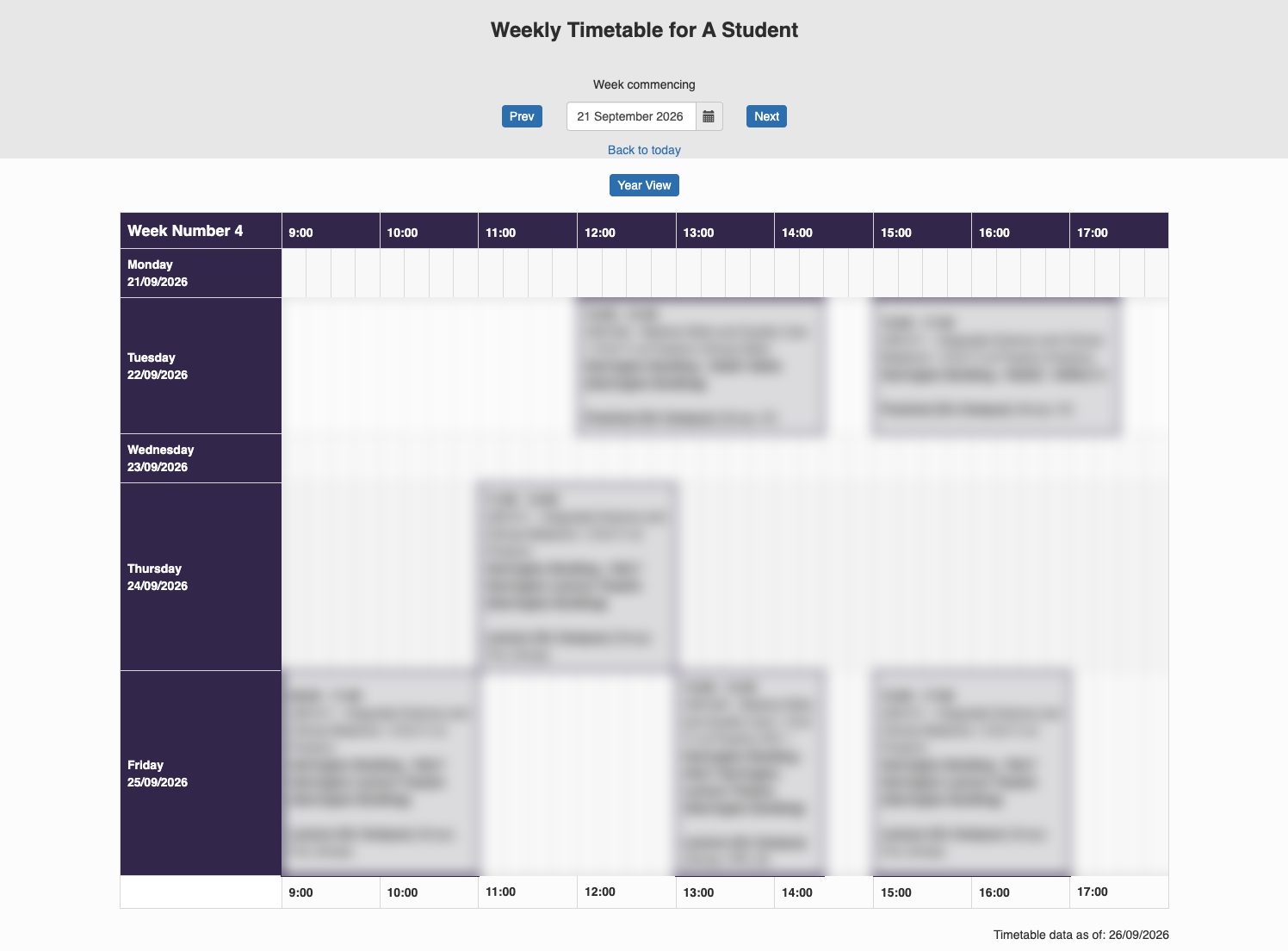
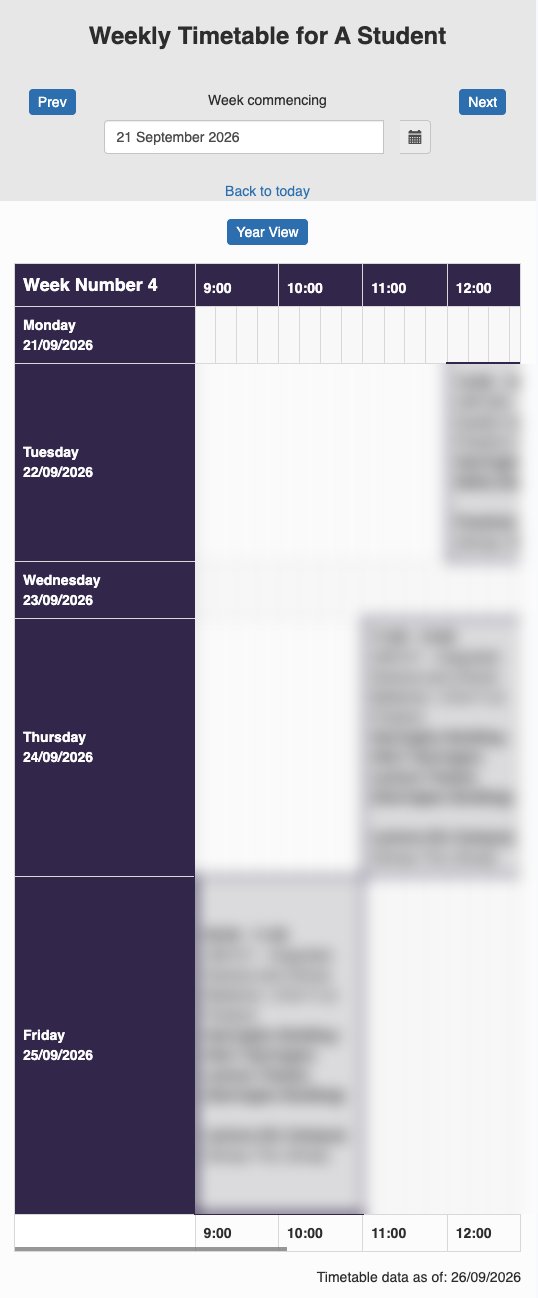
- Small text you have to zoom in to read.
- You scroll left and right to find one class.
- It's hard to see where you need to be next.
- You have to log in again and again.
The fix
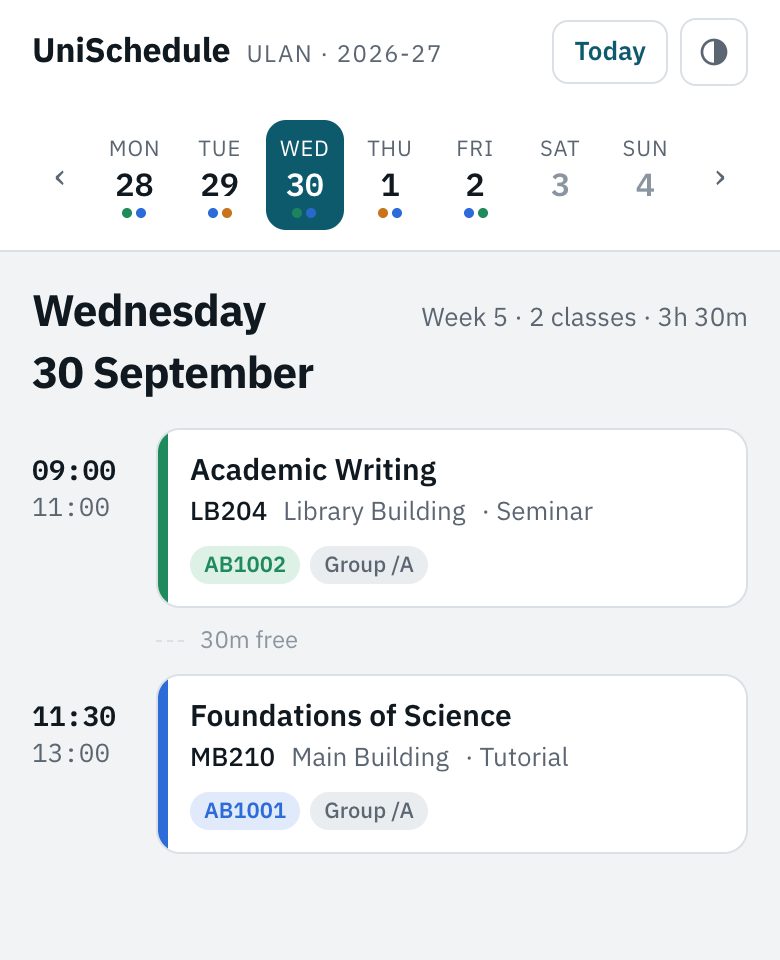
UniSchedule makes it simple.
Same classes. Much easier to read. Made for your phone first.
Today at a glance
Open it and see your next class right away.
Know where to go
Every class shows the room and the building.
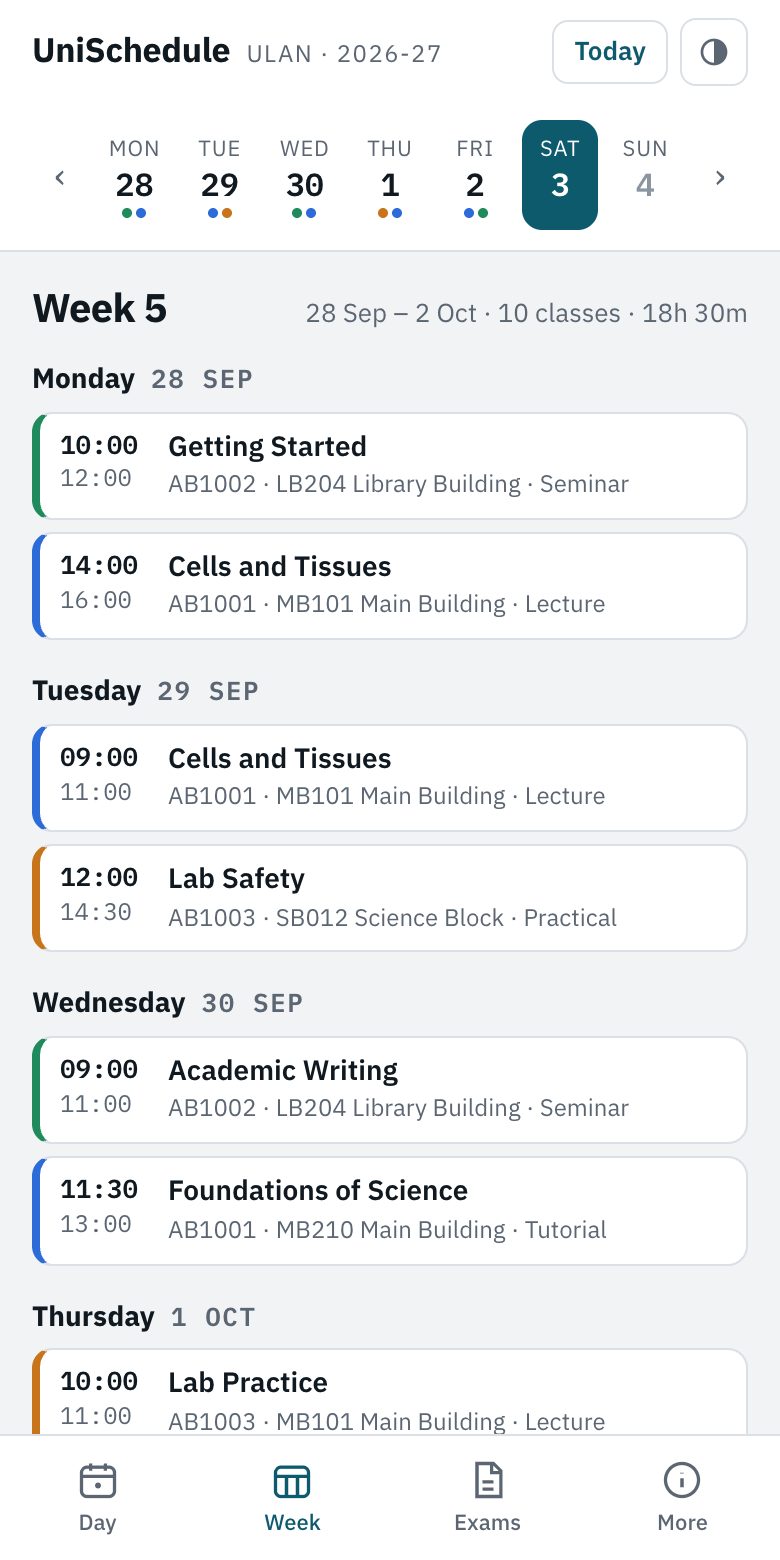
Your whole week
See every class for the week on one screen.
Made for phones
Big, clear text. Add it to your home screen like an app.
Add to your calendar
Put all your classes in Google or Apple Calendar.
Your data stays with you
Your timetable is saved on your phone. We never see it.
How it works
Three quick steps.
Get a code
Message us on Instagram, or leave your email below and we'll send you the details.
Enter your code
Type it in below. Each code works once, on one device.
Load your timetable
Log in to the uni timetable and tap one button. It takes under a minute.